

Pro Wireless Game Controller
T3WTReceiver
$92.95
Skip to product information




Pro Wireless Game Controller
$92.95
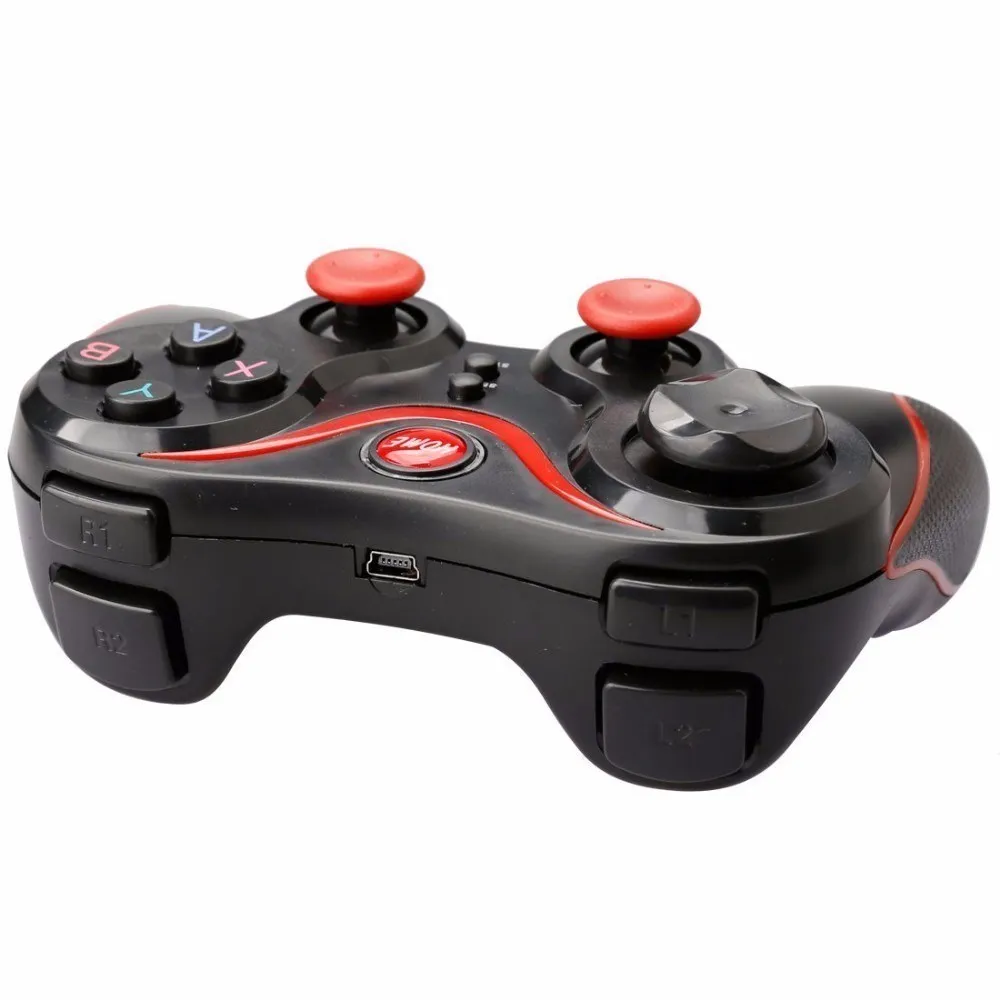
YECKTEGJ Wireless Bluetooth Game Controller
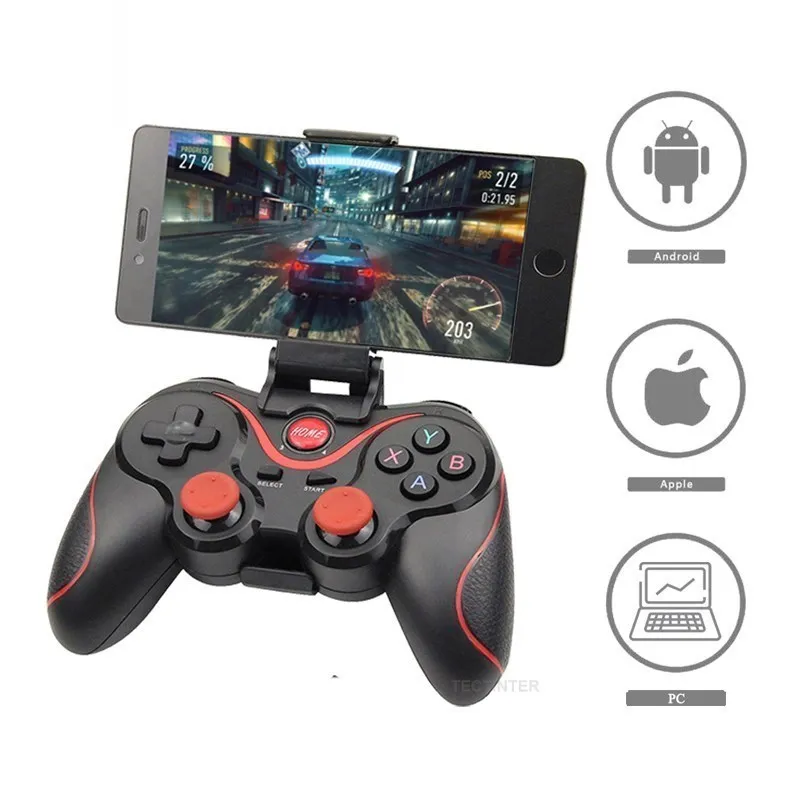
Enjoy a smooth and immersive gaming experience with the YECKTEGJ Wireless Bluetooth Game Controller. Designed with a comfortable ergonomic layout and high-precision controls, this controller provides responsive gameplay for mobile devices, PC, TV boxes, and supported gaming platforms.
Featuring Bluetooth connectivity, a rechargeable battery, and a 360° high-precision joystick, it delivers accurate control and comfortable long gaming sessions. Its lightweight design and non-slip grip make it ideal for casual and competitive gaming.
Key Features
- Wireless Bluetooth 3.0 connection
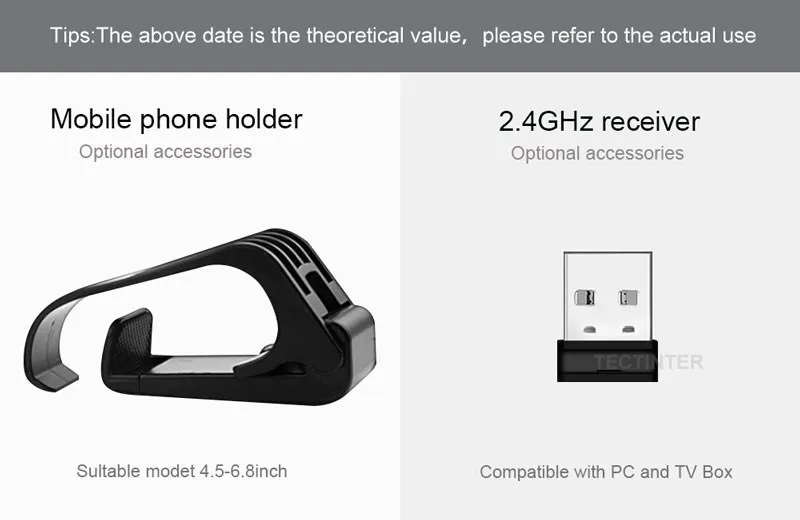
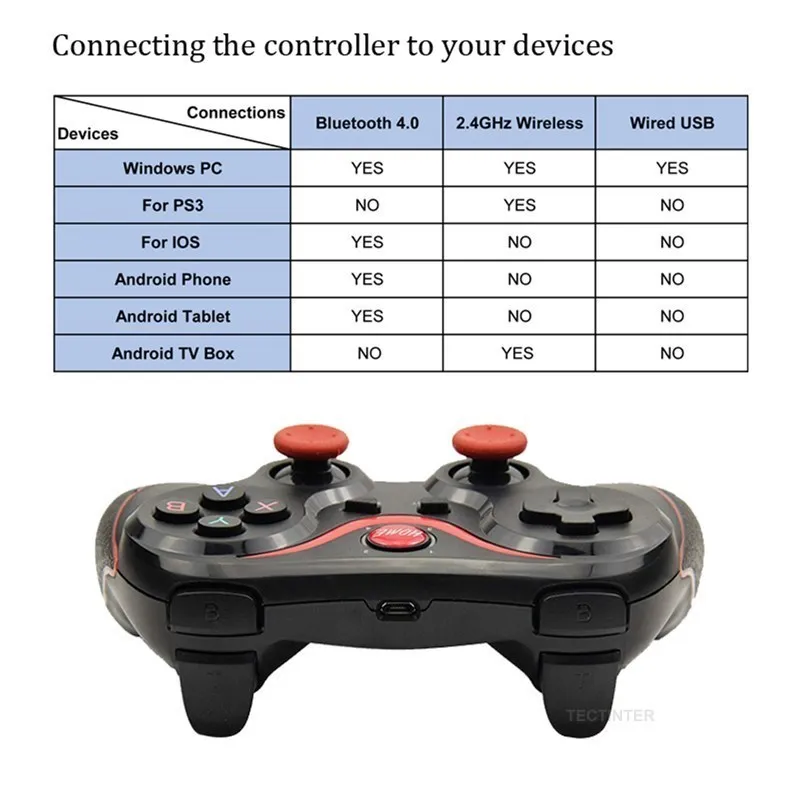
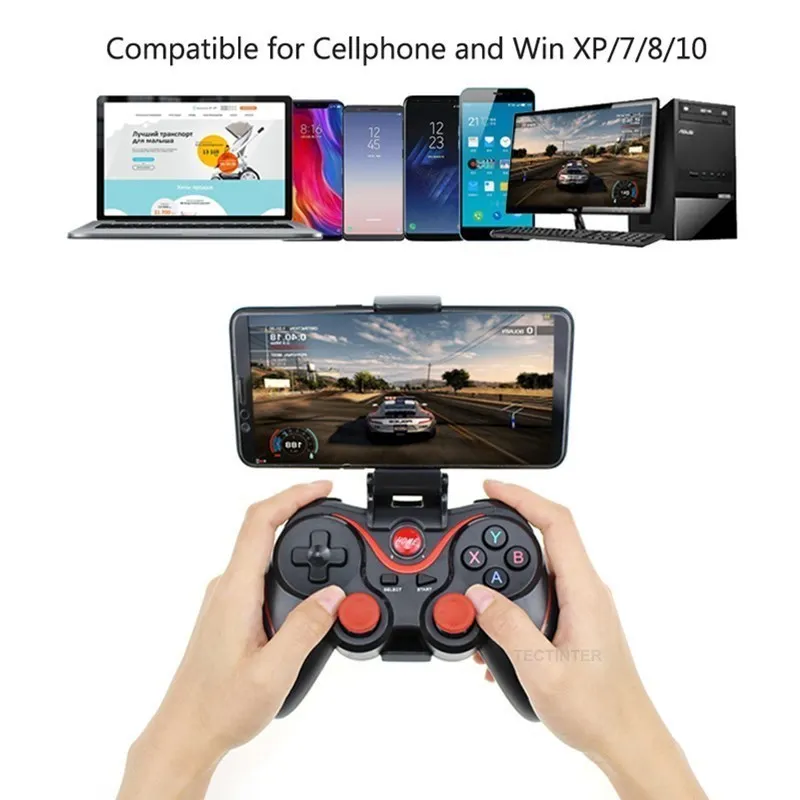
- Compatible with Android devices, iOS devices, PC, TV boxes, and PS3 (with required receiver)
- High-precision 360° joystick for accurate control
- Ergonomic design with comfortable non-slip grip
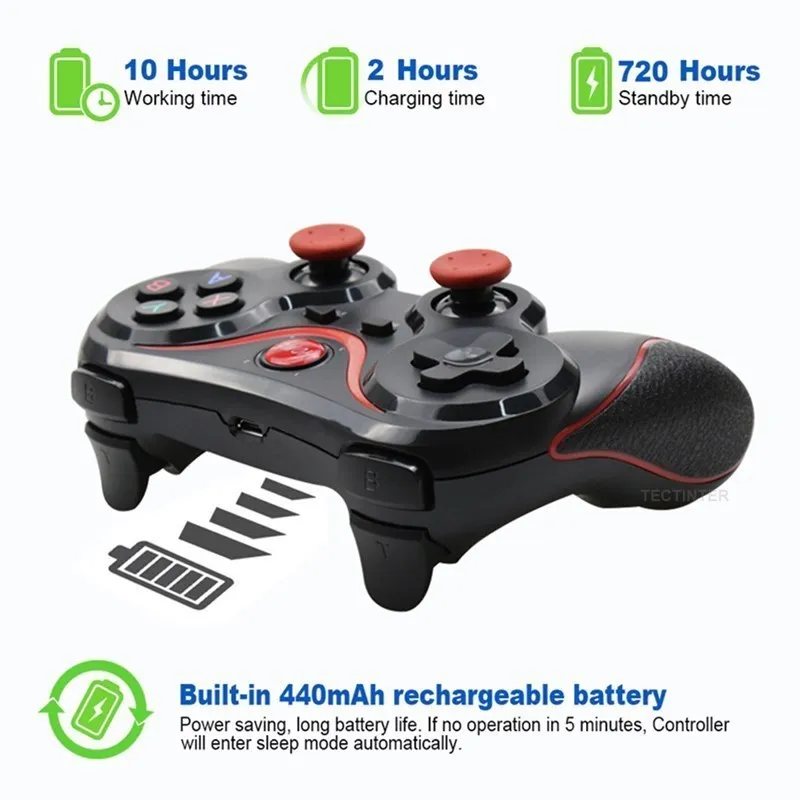
- Rechargeable 440mAh battery
- Up to 10 hours of gameplay on a full charge
- Low power consumption with automatic sleep function
- Supports game mapping for compatible mobile games
- Compact and lightweight design for easy portability
Technical Specifications
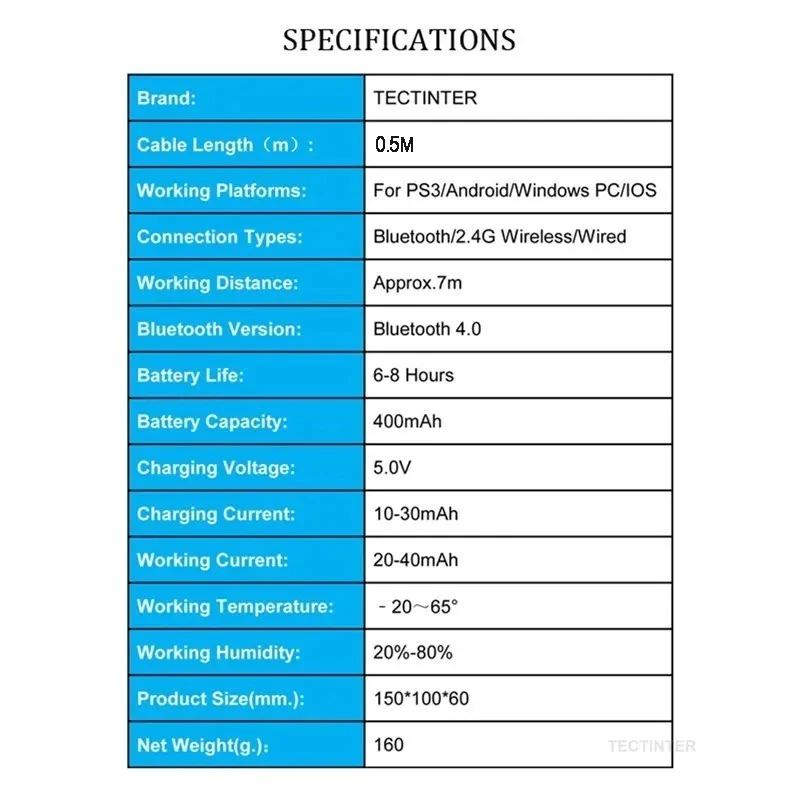
- Brand: YECKTEGJ
- Product Type: Wireless Gamepad / Controller
- Connection Type: Bluetooth
- Interface: Bluetooth
- Battery: Rechargeable Built-in Battery
- Battery Capacity: 440mAh
- Charging Time: Approximately 2 hours
- Trigger Type: Non-Linear
- Compatible Platform: Nintendo compatible devices, Android, iOS, PC, TV Box, PS3 (receiver required)
- Model: Terios T3+
Design & Performance
- 3D precision joystick with 360° control
- Responsive buttons for accurate gameplay
- Comfortable cross-key design
- Matte finish with anti-slip texture
- Durable construction for extended gaming sessions
Connection Guide
Android Devices
- Turn off the controller.
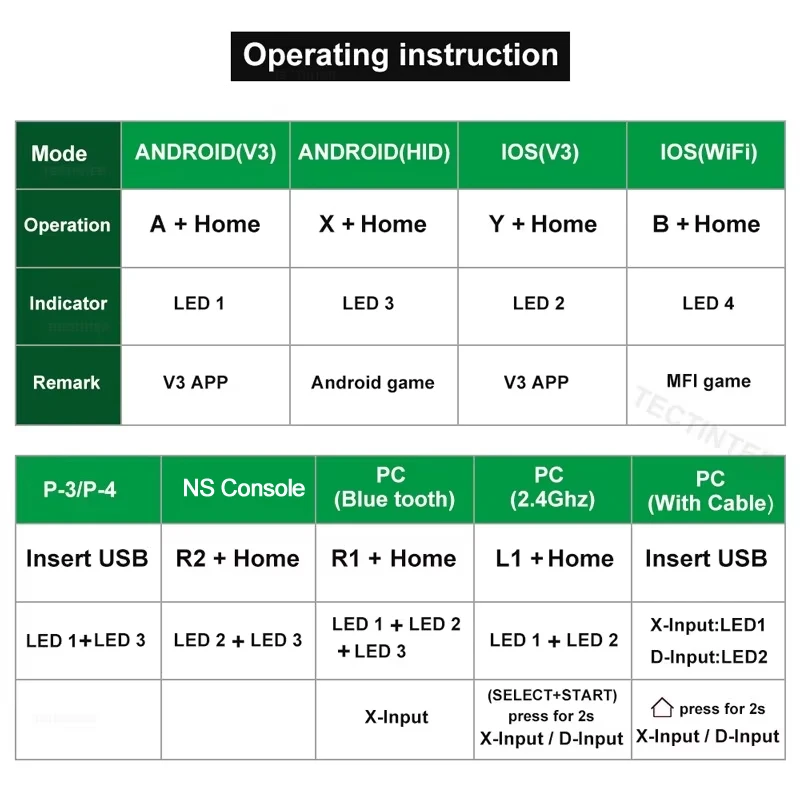
- Press and hold X + Home for 5 seconds.
- The LED indicators will flash.
- Open Bluetooth settings on your device.
- Select the controller and complete pairing.
iOS Devices
- Turn off the controller.
- Press and hold Y + Home for 5 seconds.
- The LED indicators will flash.
- Open Bluetooth settings.
- Select the controller to connect.
PC / TV Box
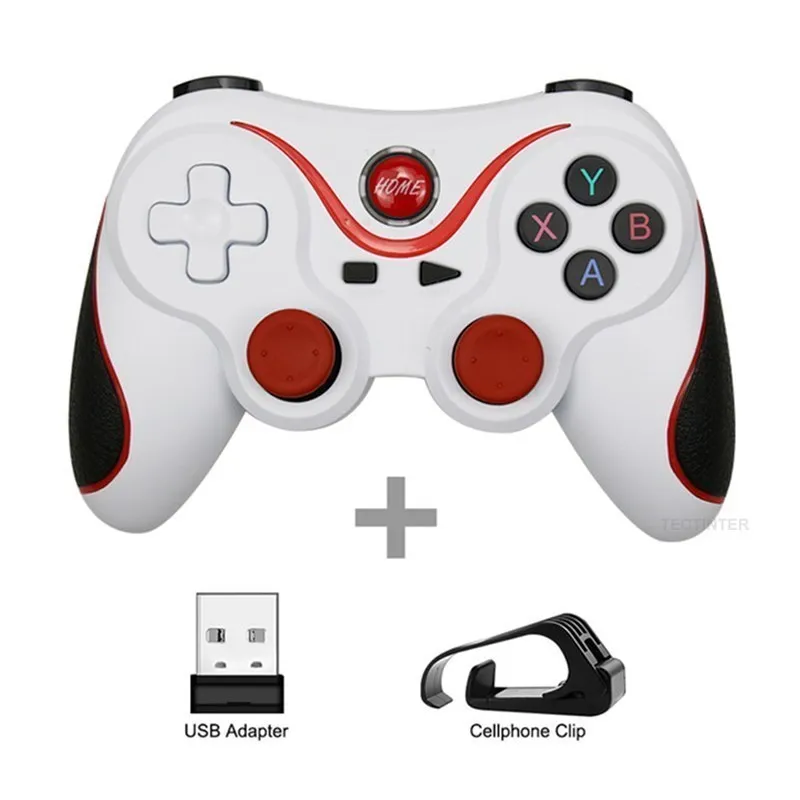
- Insert the compatible receiver into the USB port.
- Press and hold Select + Home for 5 seconds to connect.
- USB cable connection is also supported on compatible devices.
Important Notes
- Some mobile games require a third-party key mapping application to enable controller support.
- Game compatibility depends on the game developer's support for external controllers.
- If connection issues occur, remove the previous Bluetooth pairing and reconnect.
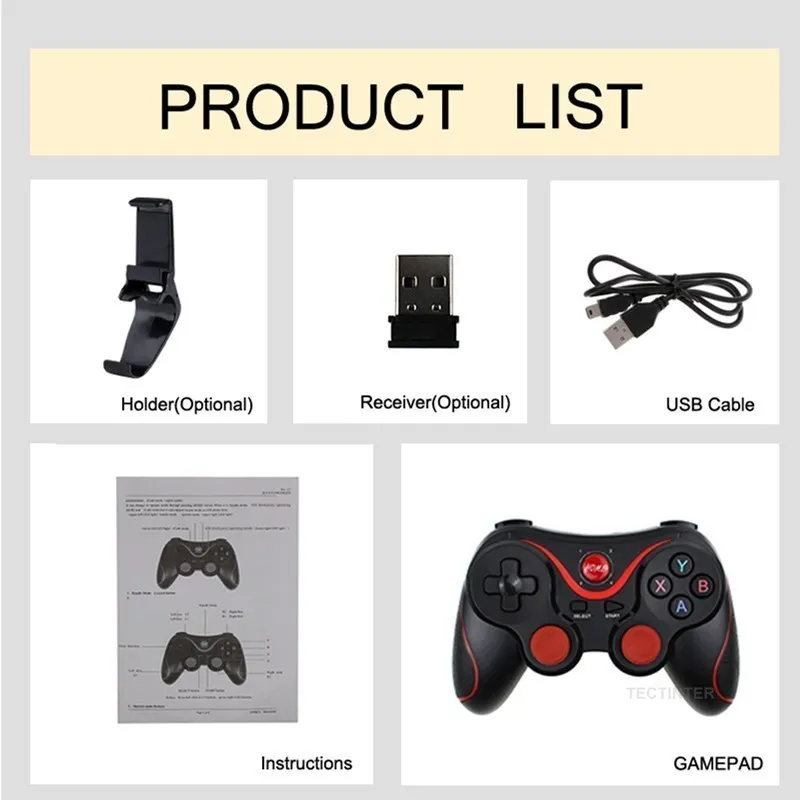
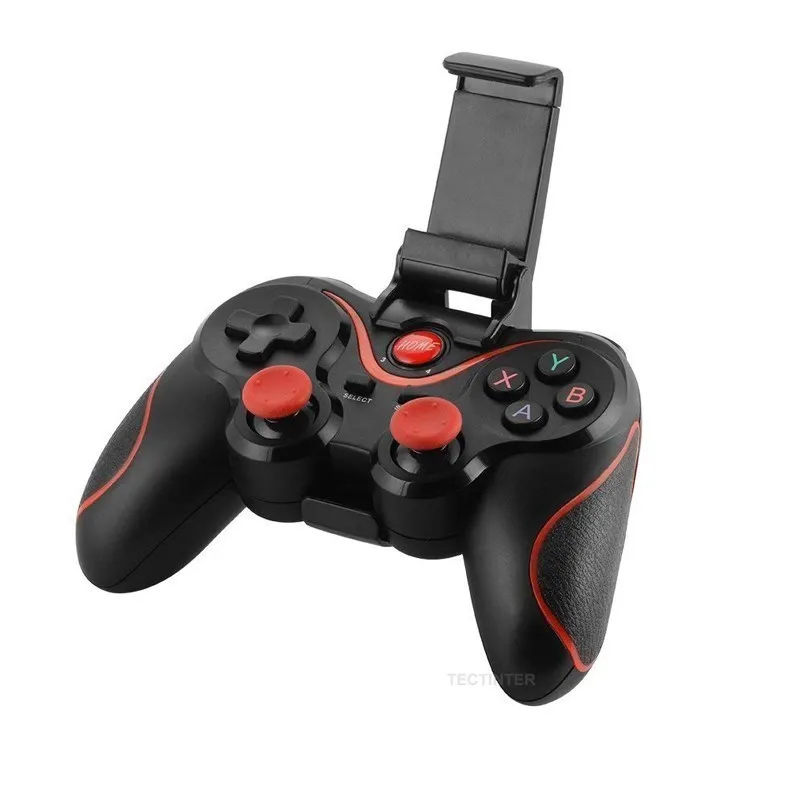
- Please confirm the selected package option before ordering, as accessories such as holders or adapters may vary.
Specifications Summary
- Brand: YECKTEGJ
- Certification: Not specified
- Battery Included: No external battery required
- Package Includes: Controller (package contents may vary by option)
- Chemical Safety: No high-concern chemicals reported
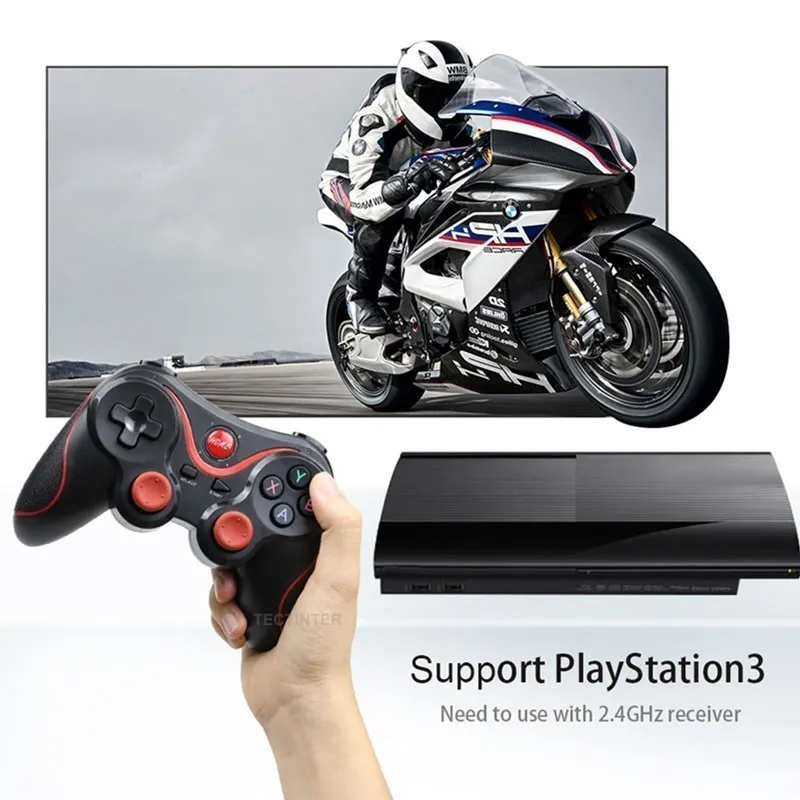
Support For Playstation 3
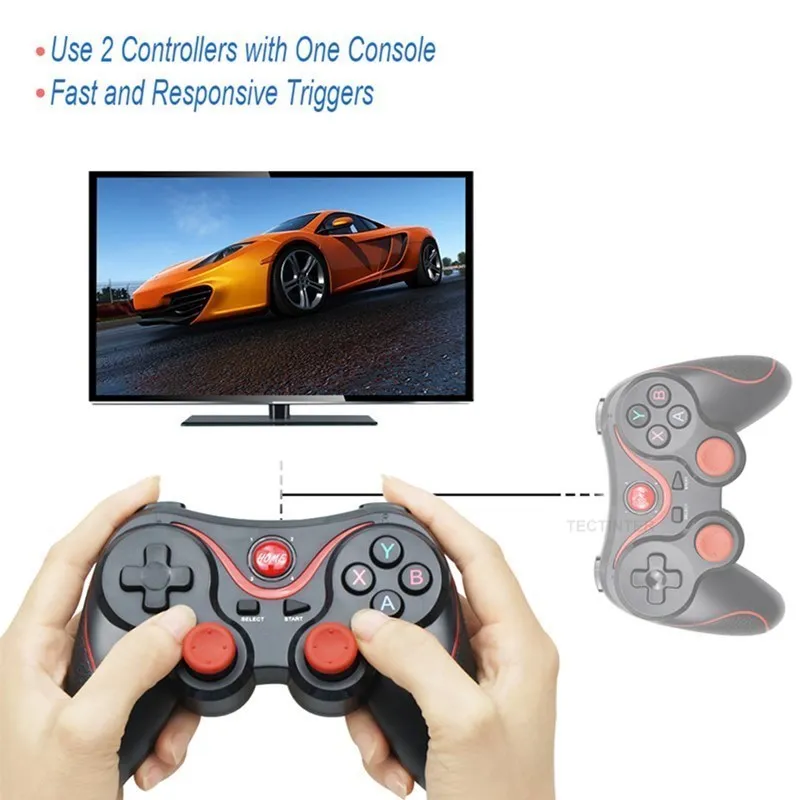
This gamepad can support PS3 console, please note that you need to use 2.4GHz receiver!
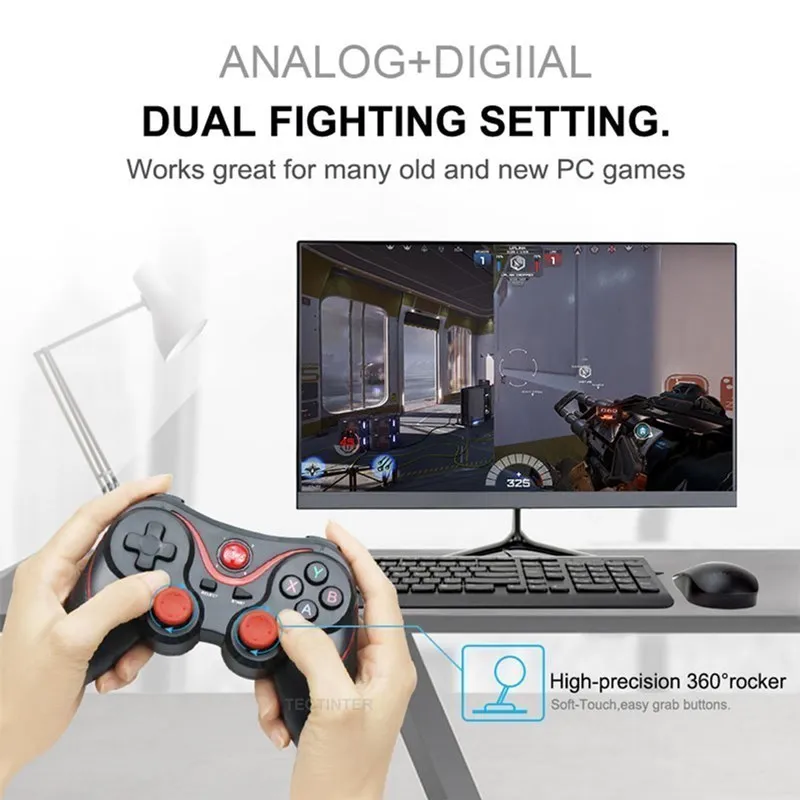
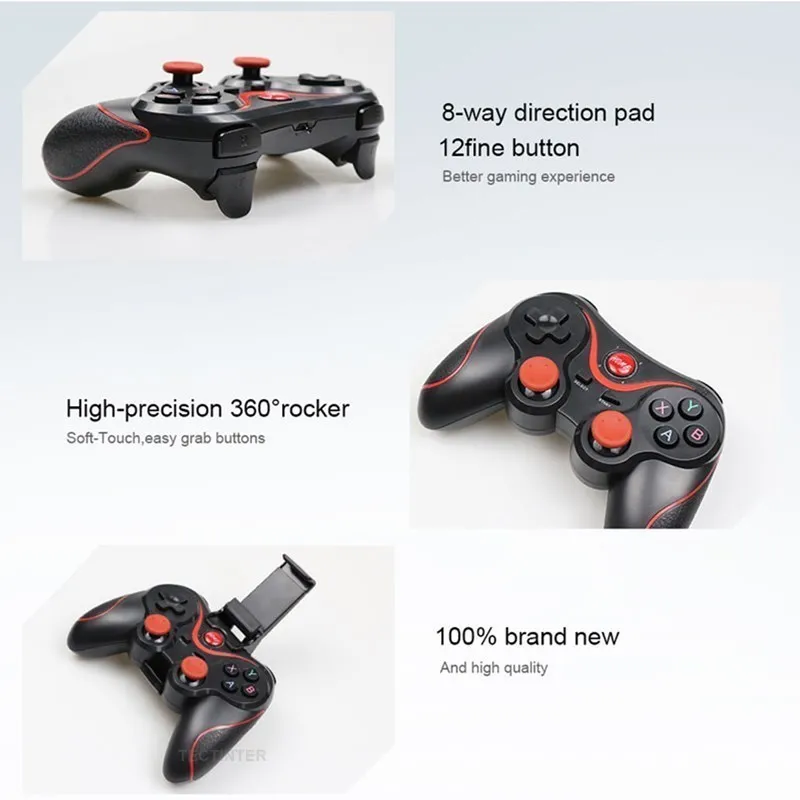
High-precision 360° Rocker
This Bluetooth controller is compatible with all kinds of simulators and games. The most important thing is that it supports dual combat settings. It is suitable for many old and new PC games. It can support Android platform games and some classic games that are familiar to you. Enjoy the big games on the market happily! A lot of popular games for you to choose from, let you enjoy the fun of the game!
Technical Specifications
Low Power Consumption
This game console uses high-performance second-generation physical technology, high-performance 440mAh lithium battery, you only need to charge the handle for 2 hours, you can play 10 hours at full power! When you are having fun, you won’t lose your enthusiasm and helplessness because the handle has no power! If you don't use the gamepad in time when connected, it will automatically shut down for 5 minutes without any operation, store power for your handle!
Note: When the gamepad is charging, which platform your device is on, which platform's LED light will flash slowly until the LED is fully lit when fully charged. If the battery is low, the corresponding platform light is also will flash to show your attention!
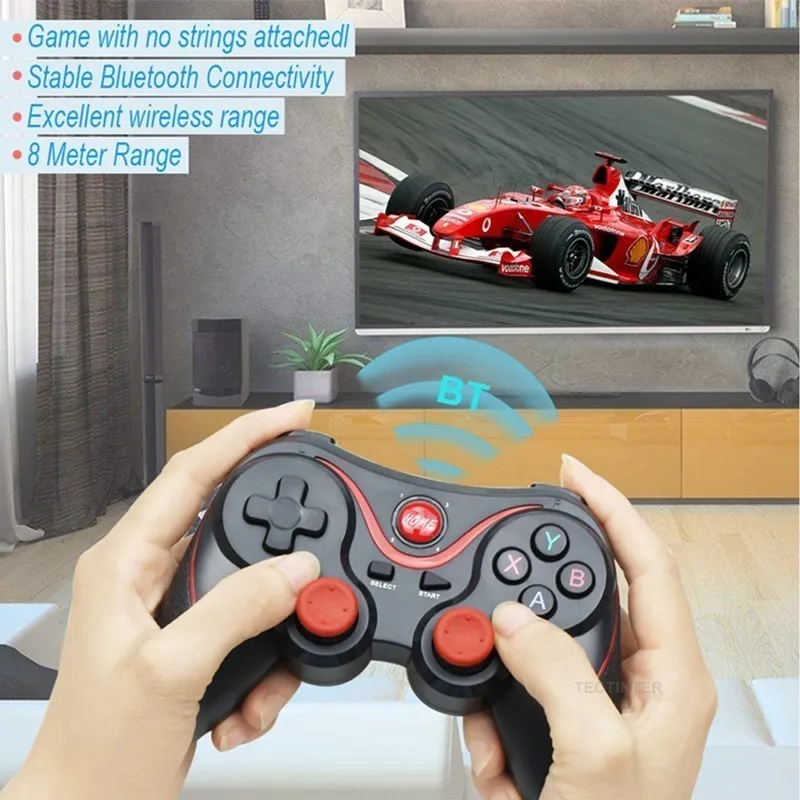
Multiple Connection Methods
This Bluetooth control handle is compatible with multi-platform games. Universal Bluetooth connectivity means you can play games on Bluetooth-enabled Android phones and tablets! It can be used for Android smart phones/iOS/TV boxes/PS3/laptops/PC.
Note: Although this gamepad is Bluetooth connected, it can be compatible with PC&TV Box&PS3 devices, but you need to match the special receiver when you want to connect the controller to play games through these devices.
High Quality Design
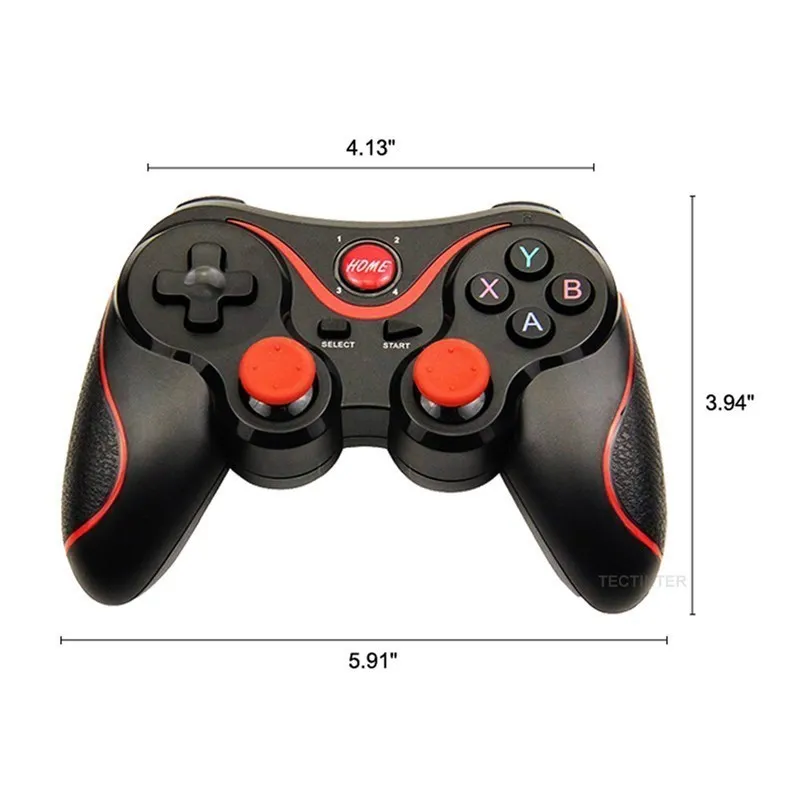
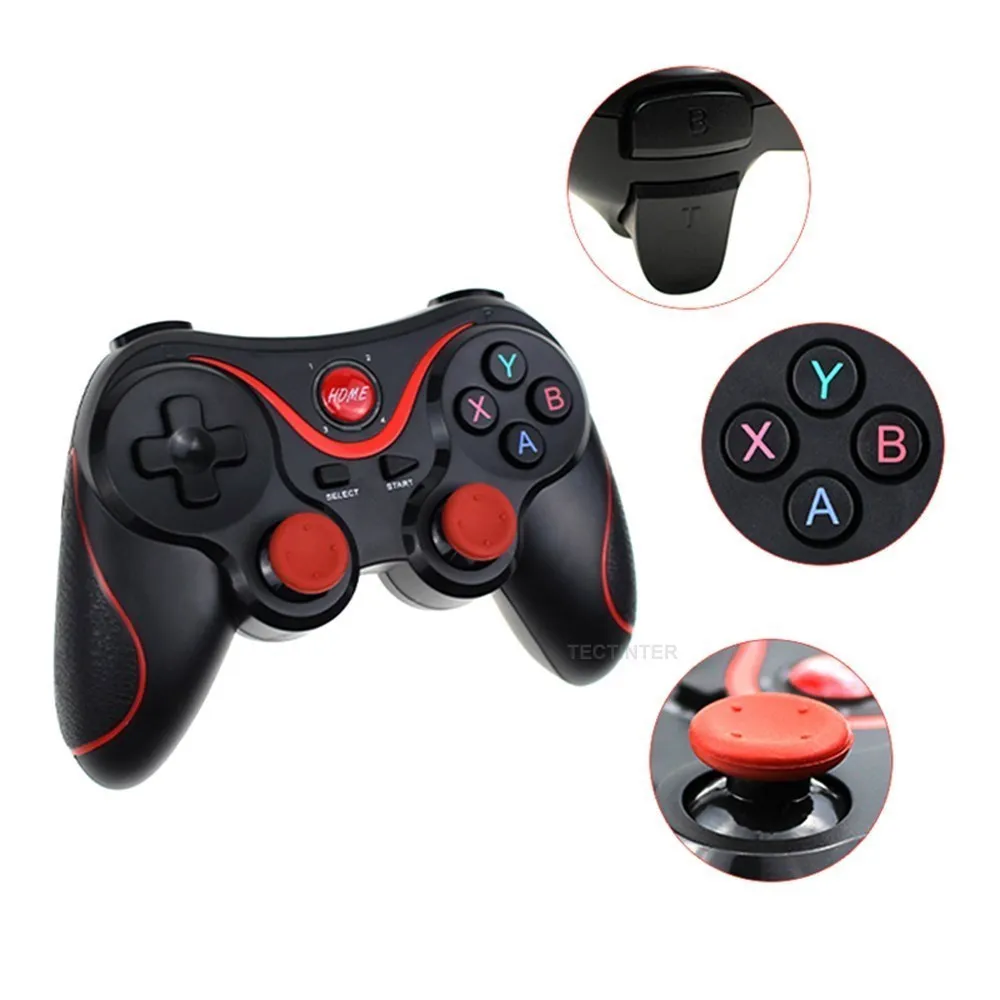
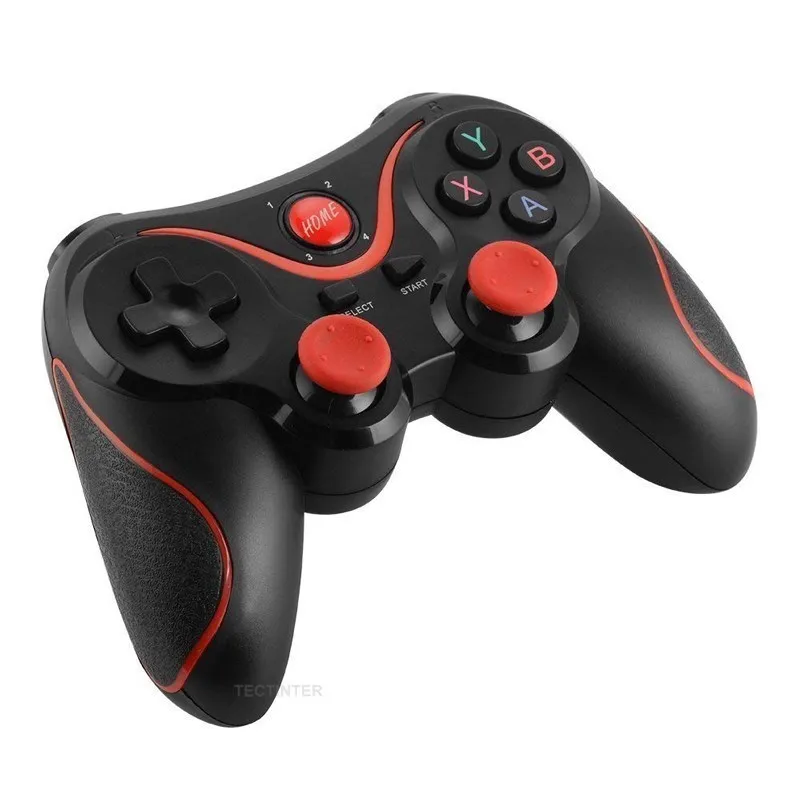
The gamepad is designed with 3D rocker, 360° high precision . Comfortable cross key design for more flexible and accurate steering! Ergonomic grip, Non-slip texture, matte feel, long-term grip is not tired. This controller-style joy pad provides the ultimate control for your favorite games. Positioning, sensitivity and accuracy are high.
How To Connect
Note:
If you enter the wrong mode, please cancel the Bluetooth pairing before re-entering the pairing mode!
Android phone: In the condition of controller off,hold on pressing X + Home key for 5 seconds,Long press key combination for 5 seconds,four led lights on the handle is in a flash state,turn on cell phone for bluetooth search,to find the corresponding device, and then click on the matching connection.
Ios phone: In the condition of controller off,hold on pressing Y + Home key for 5 seconds,Long press key combination for 5 seconds,four led lights on the handle is in a flash state,turn on cell phone for bluetooth search,to find the corresponding device, and then click on the matching connection.
PC or TV box: Insert receiver in to USB port, In the condition of controller off,hold on pressing Select + Home key for 5 seconds,it will be automatically connect. cable connection,hold on START button can directly connect to computer via usb cable.
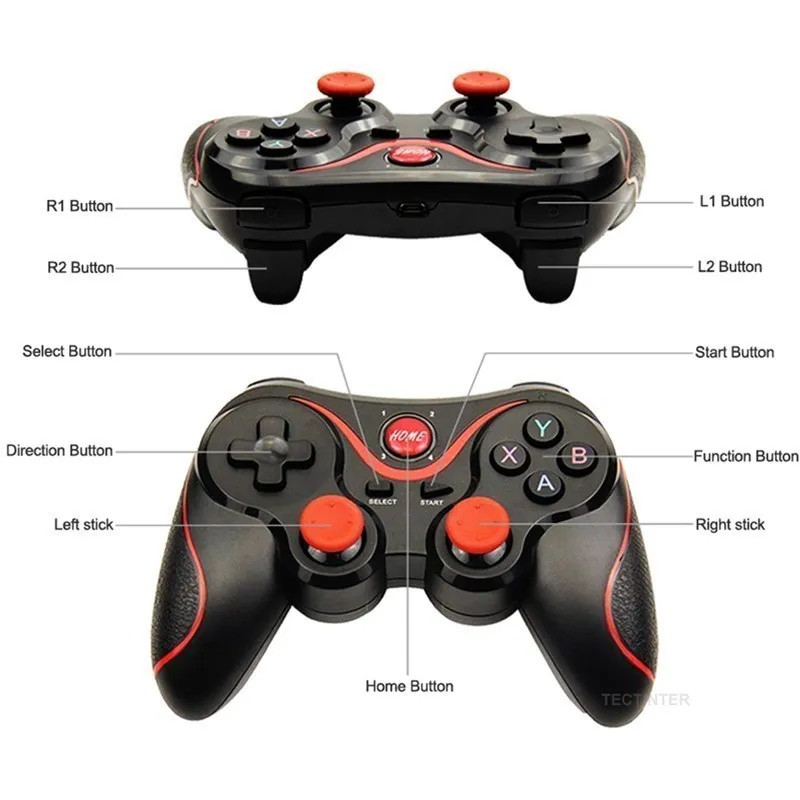
Function Button Display
LED1=Android V3 mode LED2=iphone V3 mode LED3=game lobby mode LED4=Charging indication
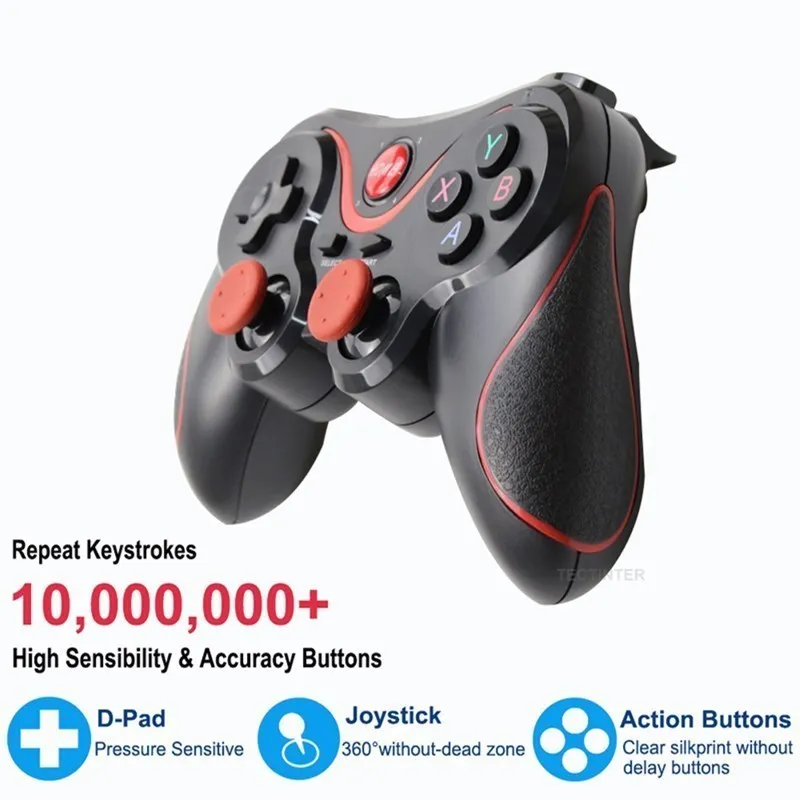
High Sensitive Button
All controllers has passed the strict repeat keystrokes test, ensure the good performance of the buttons , provide stability and basically zero game delay. High quality pressure sensitive D-Pad, 360° without dead zone joystick, high sensibility and accuracy action button, give you the fastest gaming experience